Be yourself; Everyone else is already taken.
— Oscar Wilde.
This is the first post on my new blog. I’m just getting this new blog going, so stay tuned for more. Subscribe below to get notified when I post new updates.
Be yourself; Everyone else is already taken.
— Oscar Wilde.
This is the first post on my new blog. I’m just getting this new blog going, so stay tuned for more. Subscribe below to get notified when I post new updates.
1ST ACTIVITY
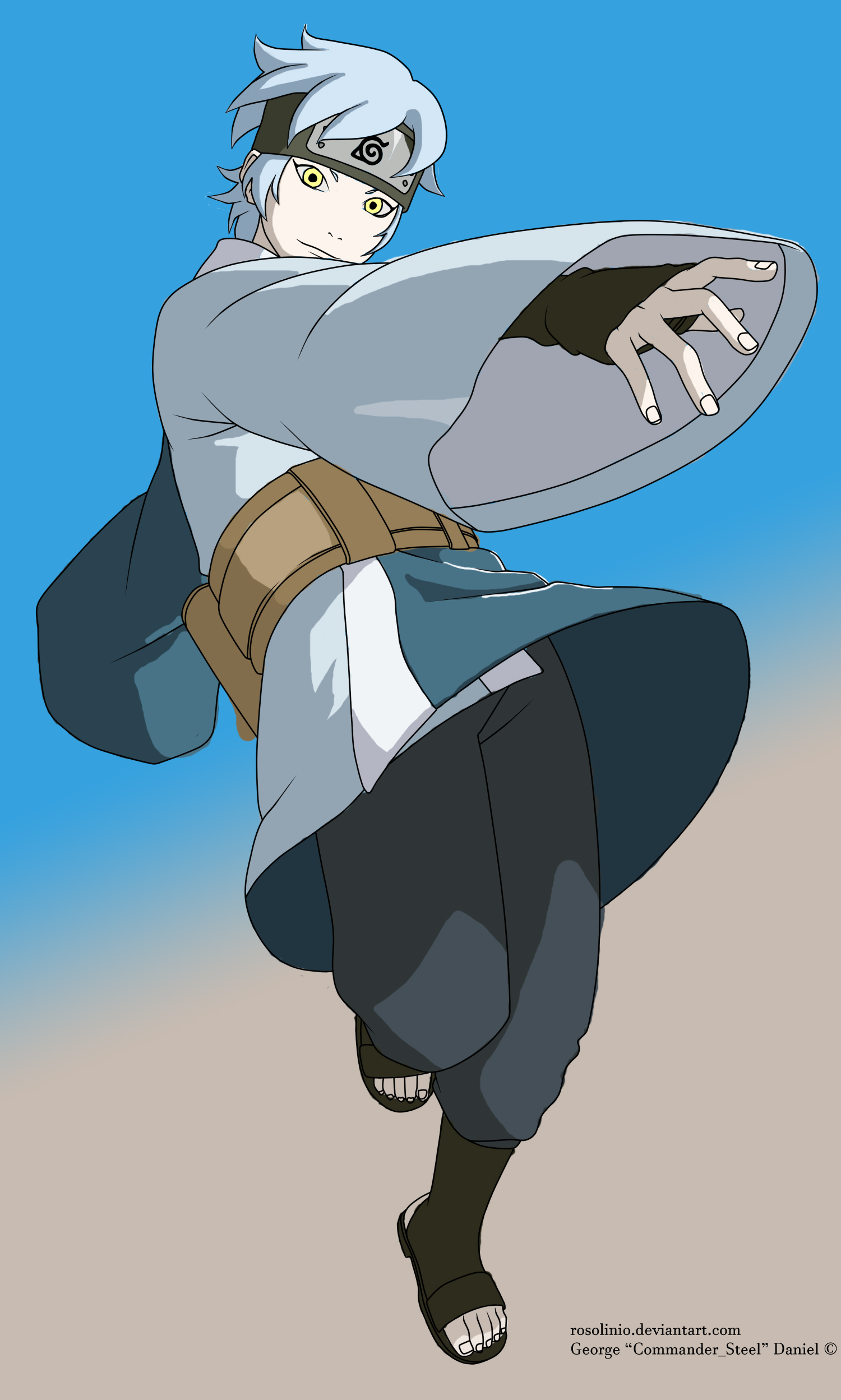
“Mitsuki” from the anime BORUTO
In making this activity i used paint brush and other types of brushes to color it, i used eye dropper to get the exact colors of mitsuki, i also used eraser tool to erase the colors that are beyond the lines of mitsuki. I have a background on photoshop so i have a slight knowledge on how to use the tools, so what did i learned in this activity, i learned how to blend and how to match colors with the original mitsuki color and use of other brushes. The experience in this activity was great and happy because i learned how to blend colors although it is not that accurate but as you can see in the picture i’ve tried to fix and blend it and it came out like that, so i think this activity helped me a lot and can be used on other activities and other projects.
2ND ACTIVITY
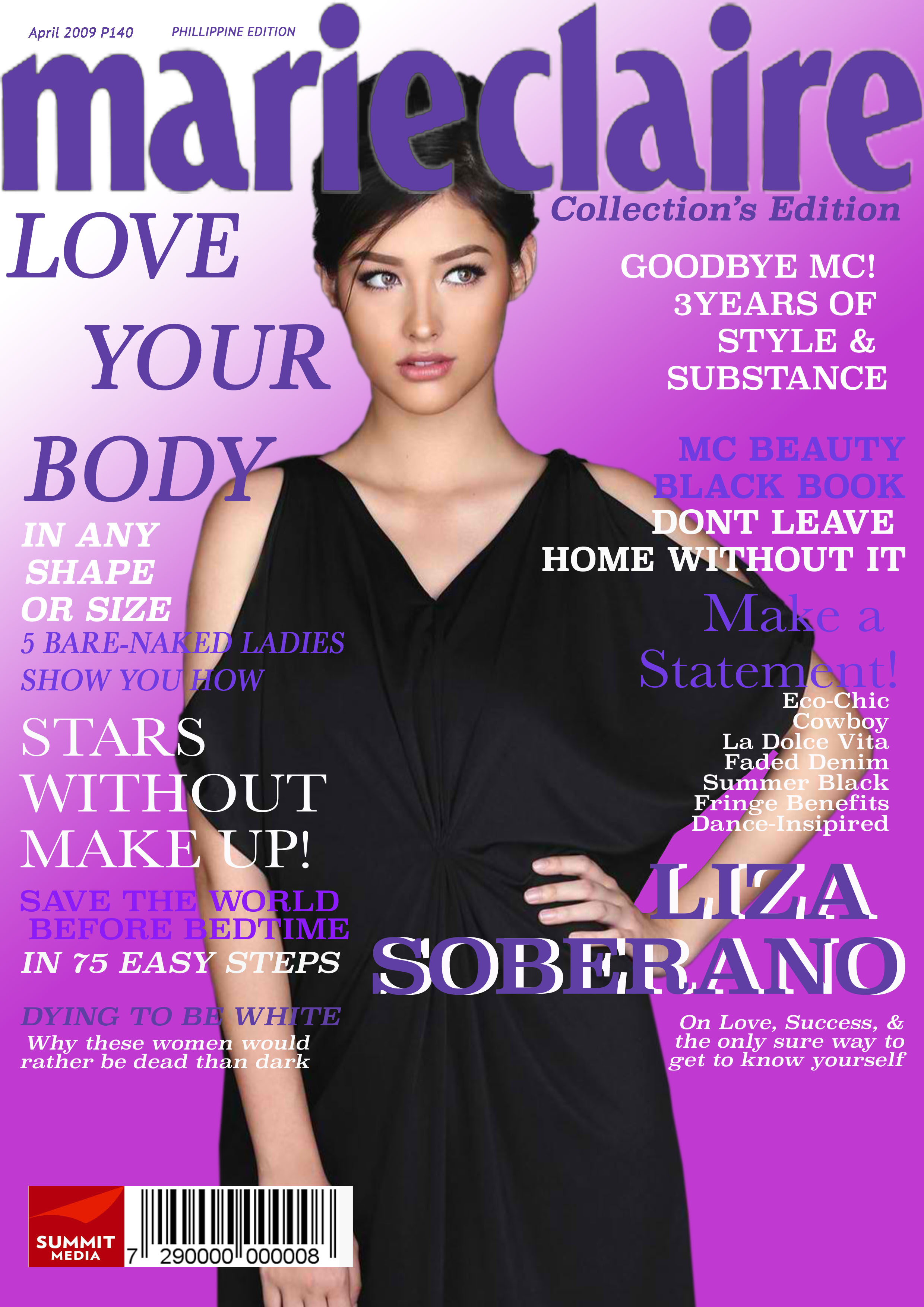
Liza Soberano Magazine
In making this activity i used pen tool to cut the image(liza soberano) and copy and paste it in another blank page, i also used magic wand tool to get the letters of marie claire, and i also used bucket tool to add up color to marie claire. I learned how does marquee tools works and how to use it, i also learned how to match fonts on the image and how to match a font to other fonts. The experience was great because i used what i have learn in the first activity and that is blending colors, as you can see in the picture that the image and the fonts color blends and i am very happy because i made it again, and also i am happy because i learned the uses of marquee tools.
3RD ACTIVITY
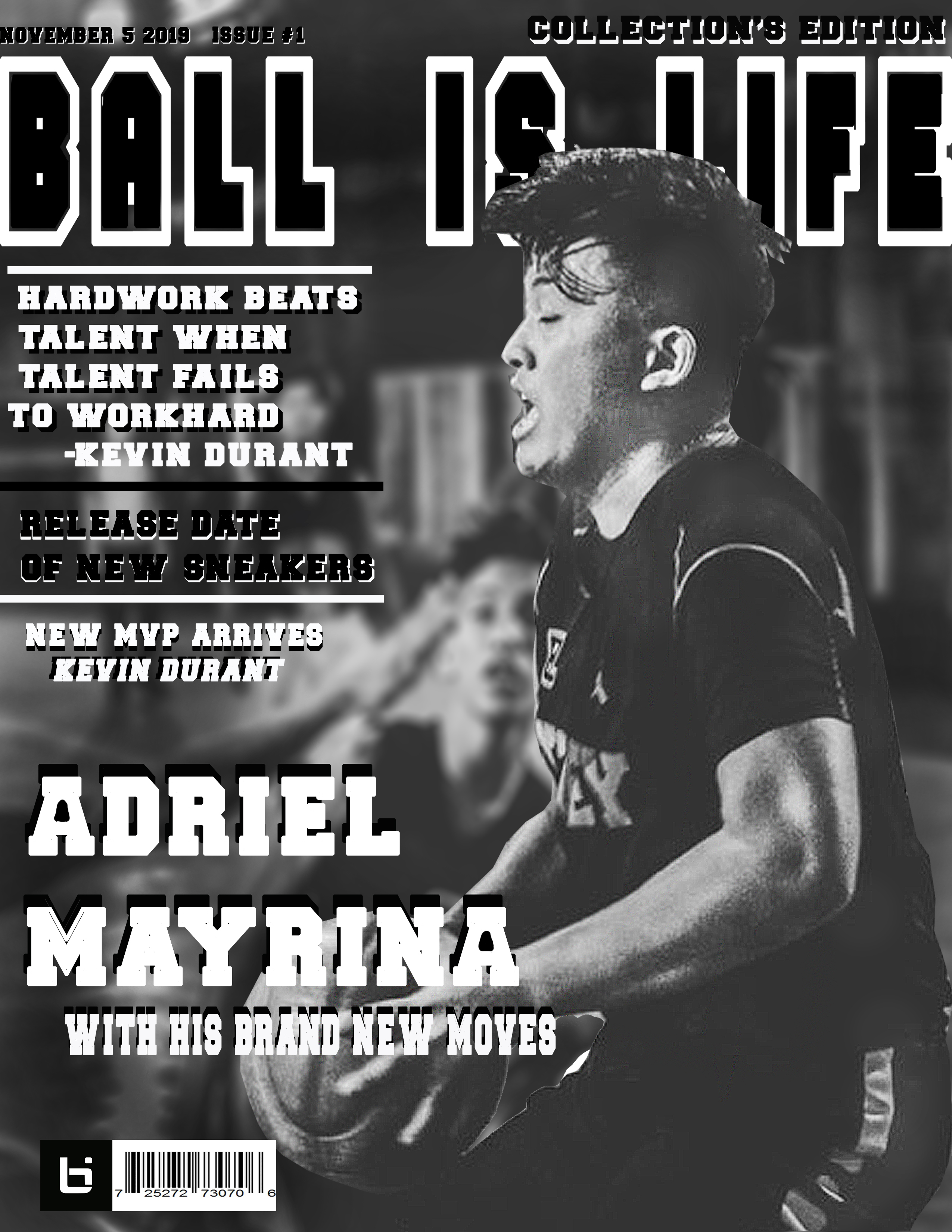
SELF MAGAZINE
In making this activity i used pen tool to cut my picture, then i used the background of my picture and make it blurred using filter menu then i adjust the intensity of the blurred to match my picture’s sharpness. I didn’t change the color of my picture its natural color is black and white so i match the fonts with the color of the picture, i also used dodge tool and burn tool to improve the brightness and darkness of my picture. I learned how to use filter menu to add up some effects on my work, i also learned using dodge tool and burn tool. The experience was great and i am amaze on what progress is happening in my editting skills, i am happy because i learned a lot and how to use different tools.
4TH ACTIVITY
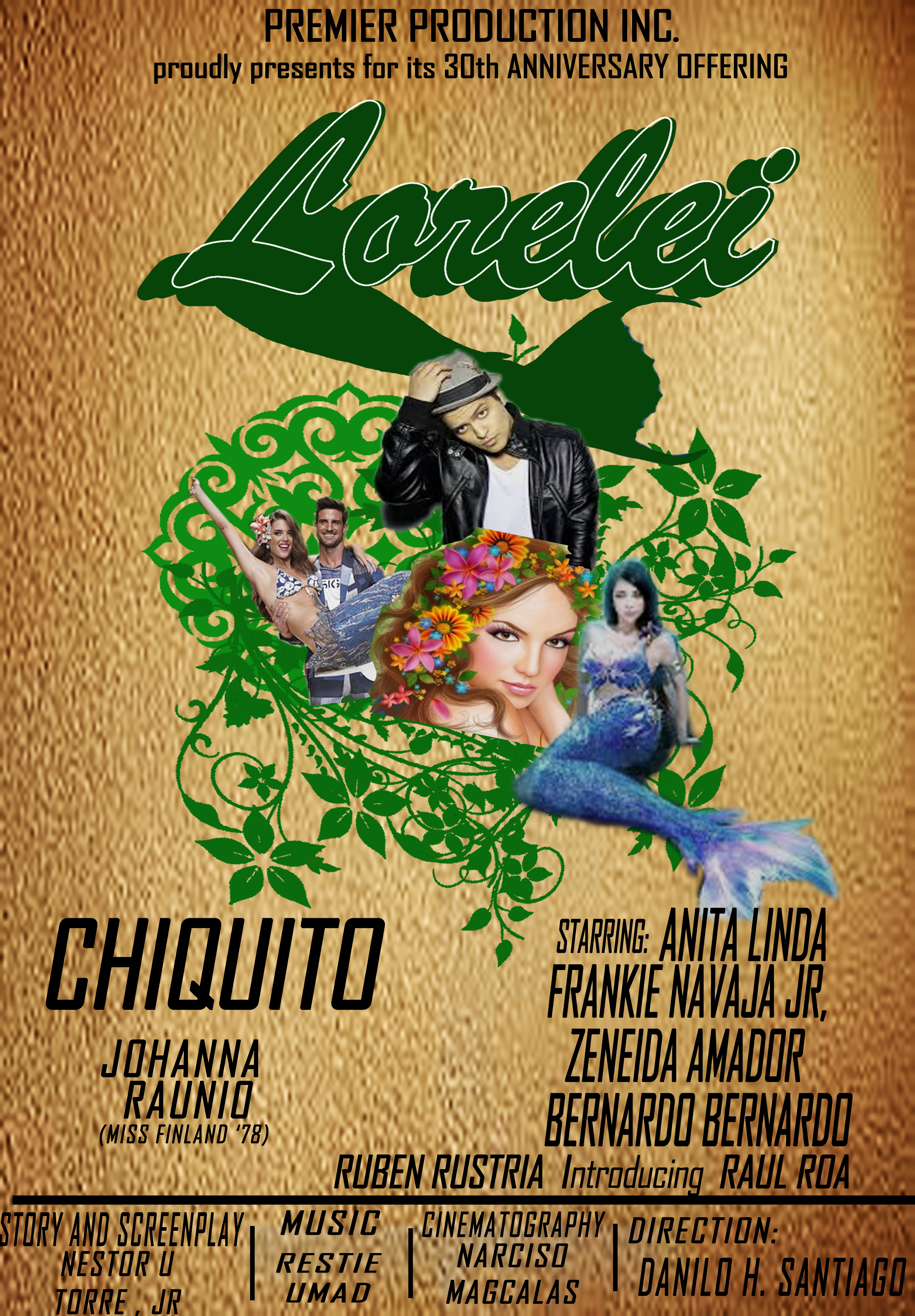
OLD MOVIE POSTER MAKING
In making this activity i used pen tool to cut images then i adjust the resolution of the images using brightness and contrast in the image menu, i also changed the colors of the background images i used green color to match the pictures of the mermaid and bruno mars, i also changed the color of the mermaid’s tail to match it with the font lorelei, i make shadow or duplicate layers of lorelei and make it as shadow the last layer of lorelei, i rasterize it and then modify it and contract it then adjust it to size 5 and i make the lorelei effect, i used Agent FB font to match it and make the poster look good. I learned how to use shadow effect and using rasterize and modify. The experience in making this activity is not that ok because i did not use the pen tool well and use other colors that will make my work great, also the lorelei font the shadows are not straight.
5TH ACTIVITY
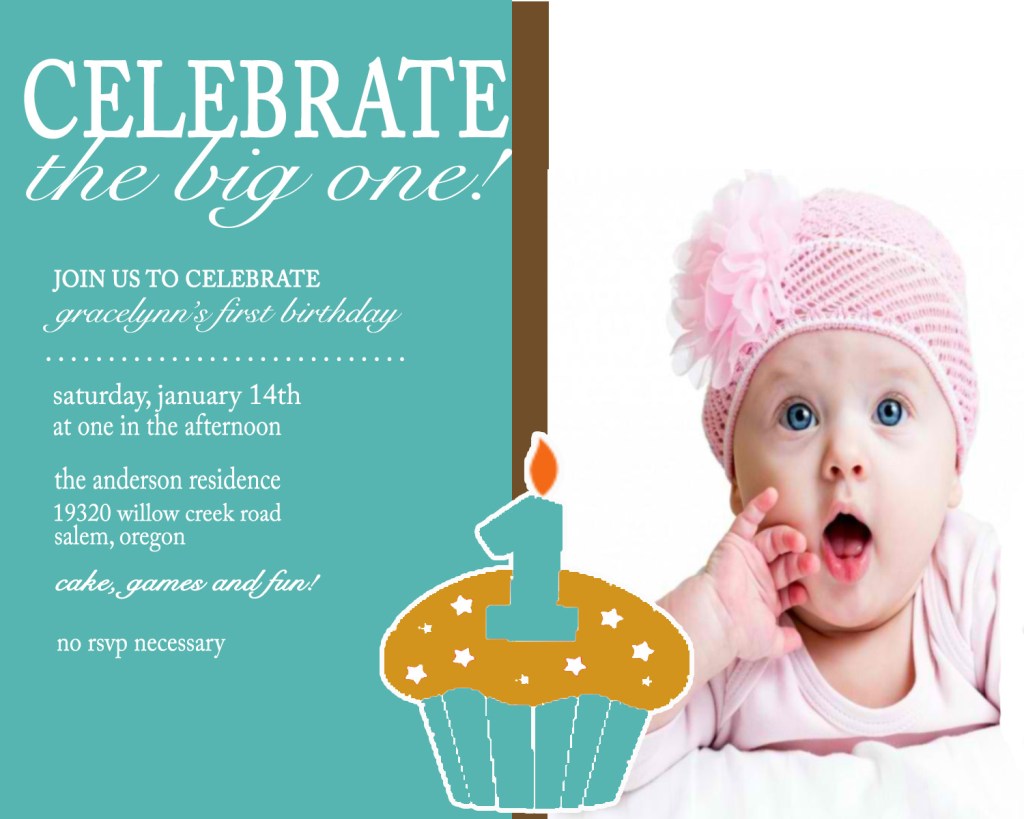
BIRTHDAY INVITATION
In making this activity i used ruler to add margins in my work, i also used rectangular marquee tool to make the left box color in to light blue and then i put a rectangular shape in the middle and color it into brown, in the left side i put and resized the picture of the baby to make it like that, i also used magic wand tool to add colors in the cupcake, i also used fonts that are almost the same as in the original invitation letter. I learned how to put strokes in the image and using the right fonts. My experience in making this activity is happy because i learned how to make birthday invitations and it adds up my knowledge and creativity on how will i create birthday invitations in the future.
6TH ACTIVITY
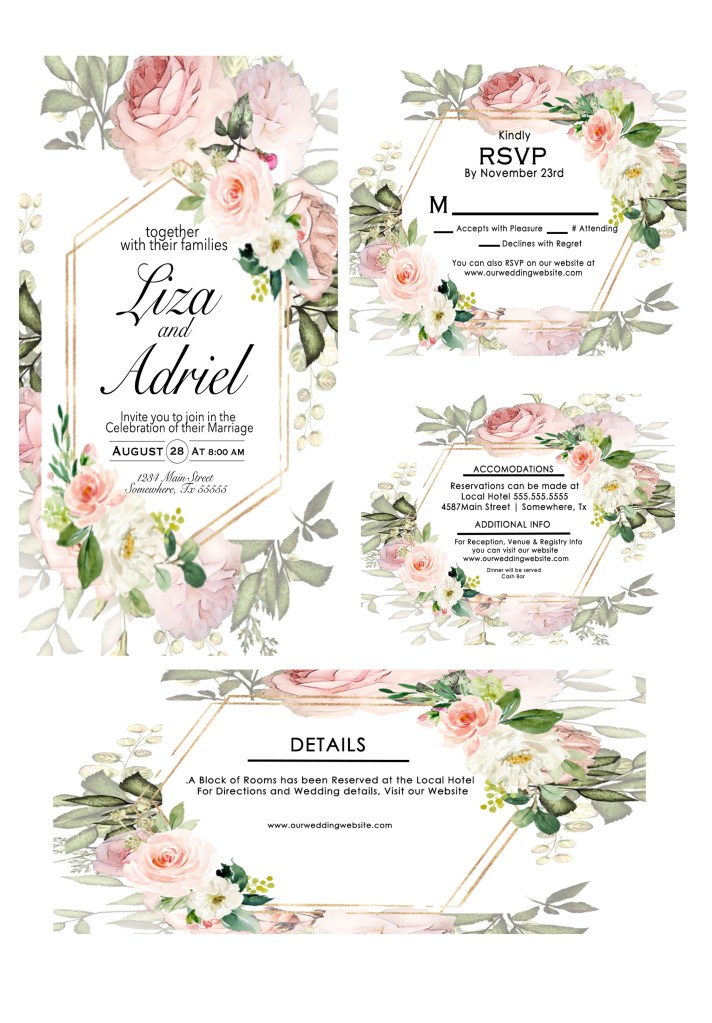
WEDDING INVITATION
In making this activity i used fonts that are cursive and san serif font that can be used for wedding invitations i used the colors that will match my work and used line shape to make them as design. I learned how to make wedding invitations and how to make the invitation minimalist. My experience in making this activity is fun because i can use this in the future and it adds up my knowledge on how to make my invitations great.
7TH ACTIVITY
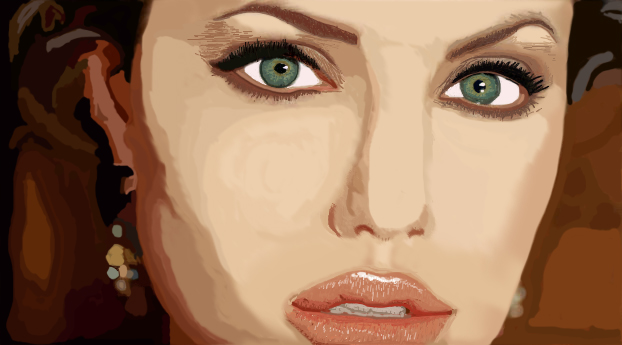
VECTOR
In making this activity i used paint brush to color the picture, i also used eye dropper tool to match the colors of the original picture then i used also pen tool to have a guide on which place will i put the colors. I learned how to make details and improve on matching colors. My experience in making this activity is fun and very happy because this is my first time making an vector art like this and it came out very pleasing to my eyes, in the past, i am making vector art but not like this and it is horrible.
8TH ACTIVITY
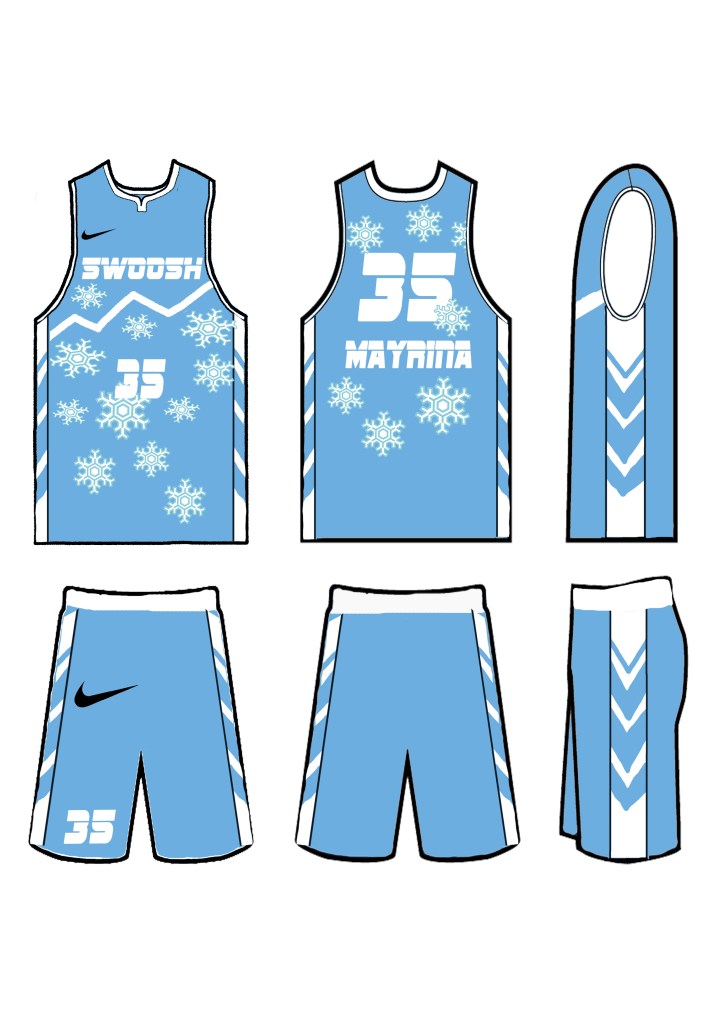
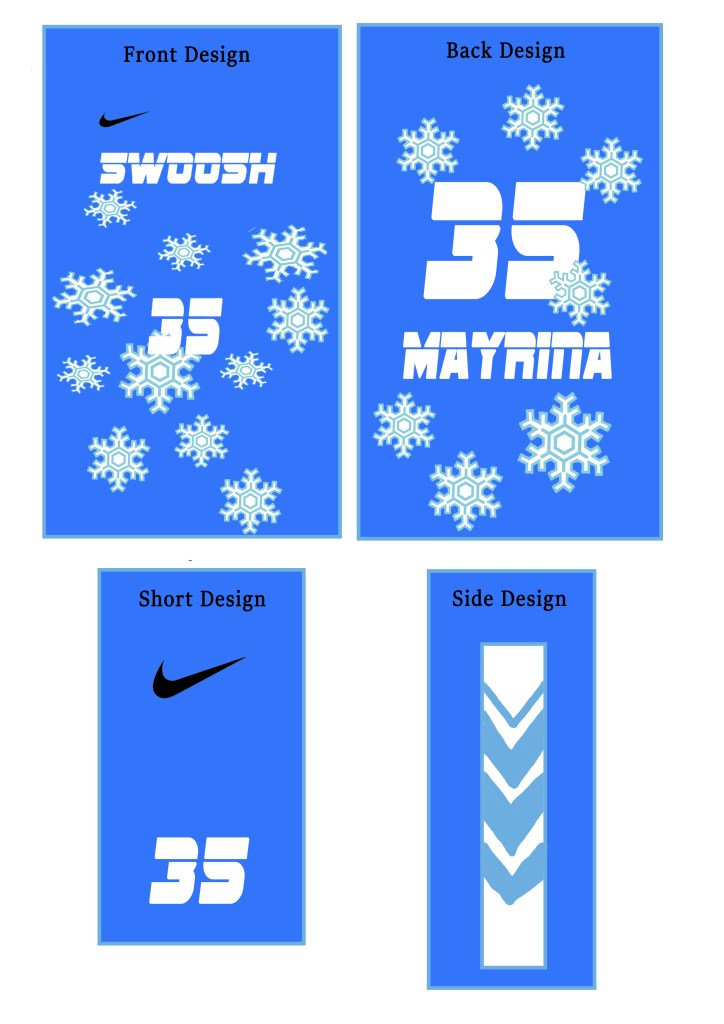
BASKETBALL JERSEY
In making this activity i used magic wand to get the snowflakes and the nike logo, i also used paint brush to make a line design on the front of the jersey, i also used the font style Sf Sports night alternate to match my jersey’s design. I learned how to make and design a jersey in sublimation design. My experience in making this activity was fun because i like to edit my own jerseys.
9TH ACTIVITY
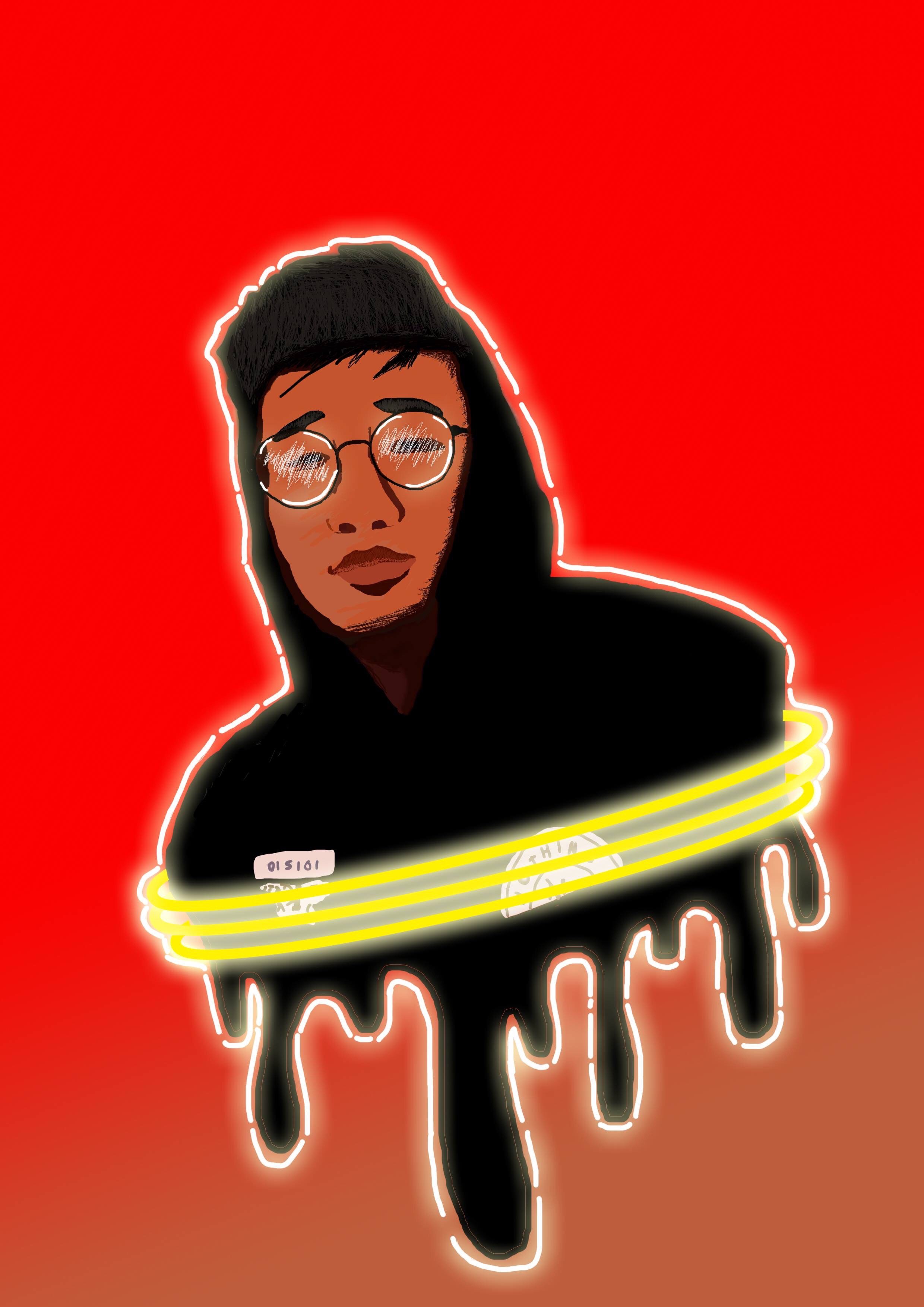
SELF VECTOR
In making this activity i used pen tool to make my coloring easier, i also used brush to color the image, i also used glow effects so that it will give my work a very nice look. I learned how to make designs on a vector like putting some dripping color on the body and using glowing effects. My experience in making this activity was fun and happy because this is my first time to make a vector like this to myself and also adding up some effects and design.
10TH ACTIVITY
LINK ON MY ANIMATION WORK: https://www.youtube.com/channel/UCoxZ78KysvH-UyFjIPehszw?view_as=subscriber
ANIMATION
In making this activity i used selection tool, free transform tool, shape tools, to make this activity. I learned how to use tween tools and how to change shapes into other shapes and change the name and transform it to a shape, i also learned how to make objects move. My experience in making this activity was fun because i have i chance to improve my knowledge in animate and improve my skills, i also enjoy it because i learned how to use tween tools.
This is an example post, originally published as part of Blogging University. Enroll in one of our ten programs, and start your blog right.
You’re going to publish a post today. Don’t worry about how your blog looks. Don’t worry if you haven’t given it a name yet, or you’re feeling overwhelmed. Just click the “New Post” button, and tell us why you’re here.
Why do this?
The post can be short or long, a personal intro to your life or a bloggy mission statement, a manifesto for the future or a simple outline of your the types of things you hope to publish.
To help you get started, here are a few questions:
You’re not locked into any of this; one of the wonderful things about blogs is how they constantly evolve as we learn, grow, and interact with one another — but it’s good to know where and why you started, and articulating your goals may just give you a few other post ideas.
Can’t think how to get started? Just write the first thing that pops into your head. Anne Lamott, author of a book on writing we love, says that you need to give yourself permission to write a “crappy first draft”. Anne makes a great point — just start writing, and worry about editing it later.
When you’re ready to publish, give your post three to five tags that describe your blog’s focus — writing, photography, fiction, parenting, food, cars, movies, sports, whatever. These tags will help others who care about your topics find you in the Reader. Make sure one of the tags is “zerotohero,” so other new bloggers can find you, too.
Have a WordPress.com account? Log in now.

